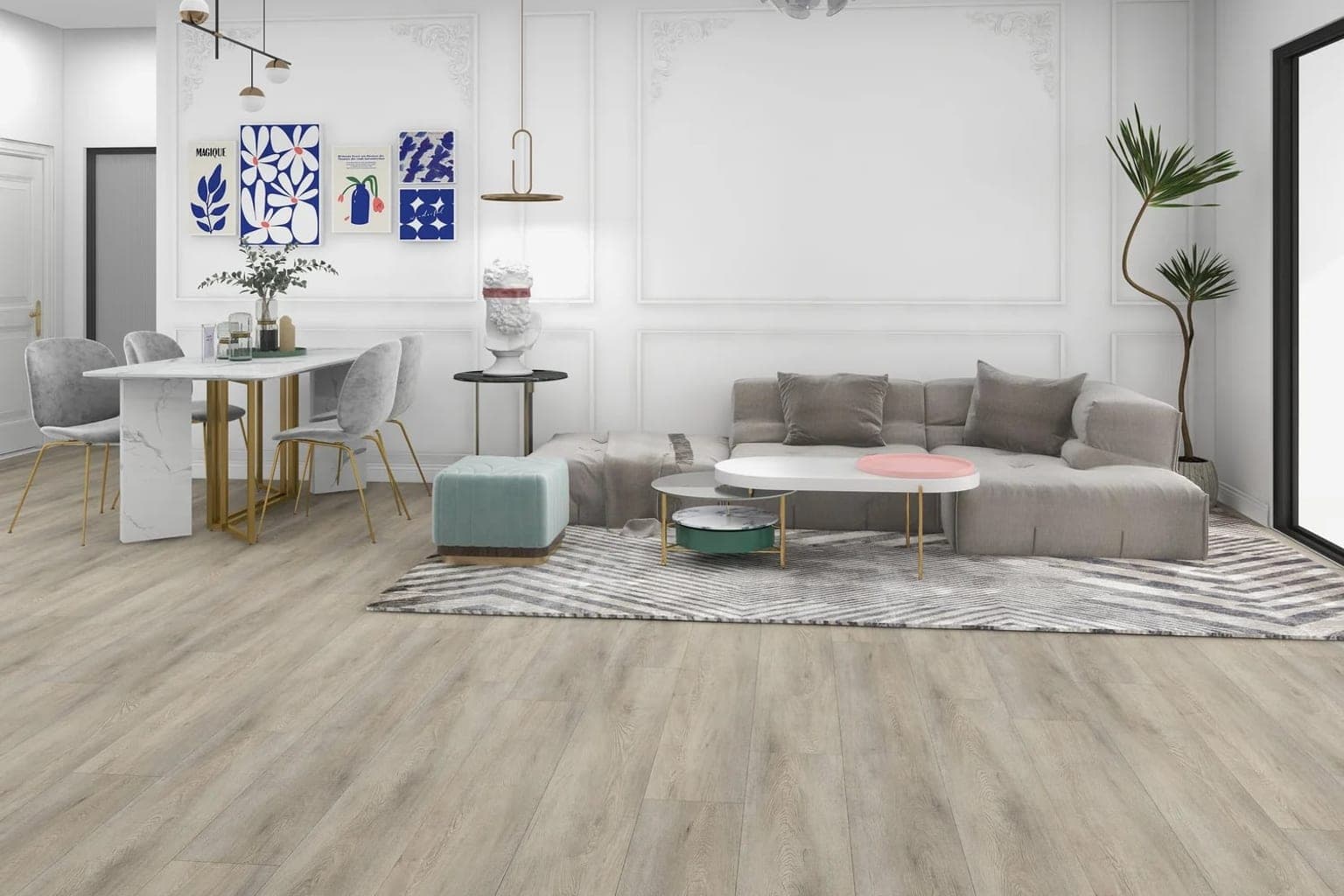
Grout, scale, and layout
Tile reads wrong when the format is wrong. The visualization uses the tile dimensions and layout pattern from your catalog entry, so a 60×60 porcelain fills the room the way a 60×60 actually would.
Help customers see how porcelain, ceramic, and stone tile look on the floor of their own kitchen, bathroom, or living room — from a single phone photo.
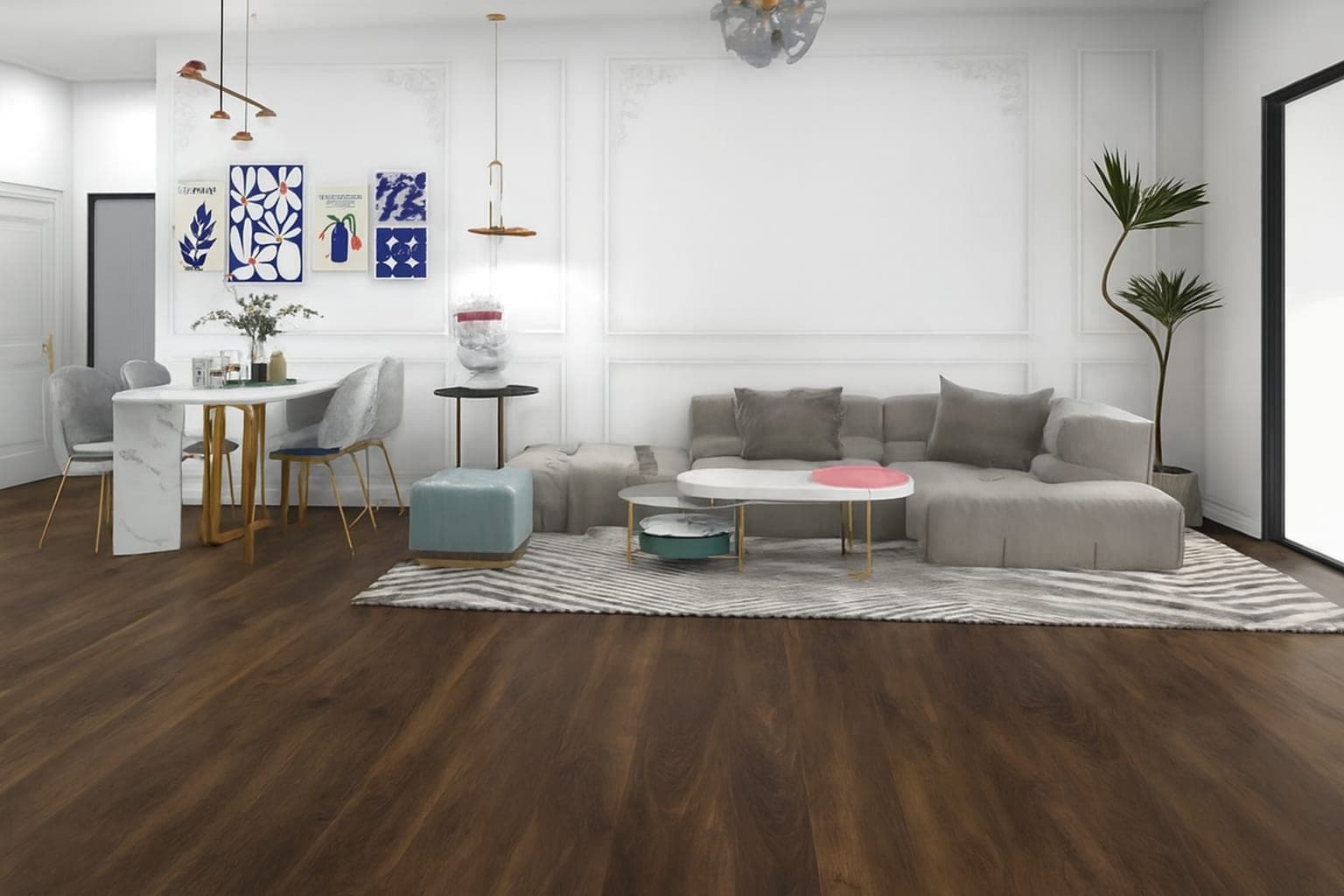 As photographedInstalled
Tile reads wrong when the format is wrong. The visualization uses the tile dimensions and layout pattern from your catalog entry, so a 60×60 porcelain fills the room the way a 60×60 actually would.
Bathrooms and kitchens are where customers hesitate most: small, busy, full of fixtures. Keeping the existing cabinets, appliances, and light in place is what lets them judge the tile instead of a stylized render.
Today the visualizer replaces the floor surface — including tile floors. Wall tile and backsplashes are on the roadmap, together with wall coverings; you can join that waitlist from the use cases section on the homepage.
Let customers visualize hardwood, vinyl, laminate, and other flooring products in their own rooms with AI-powered product visualization.
Upload a photo of your room and visualize different flooring products, materials, and finishes with AI.
Create an interactive virtual showroom where customers can explore your products and visualize them in their own spaces.
Turn your product catalog into an interactive visual experience with AI-powered product visualization.
Free while you build and test. The $80 implementation charge applies when you publish and includes your first 30 days.