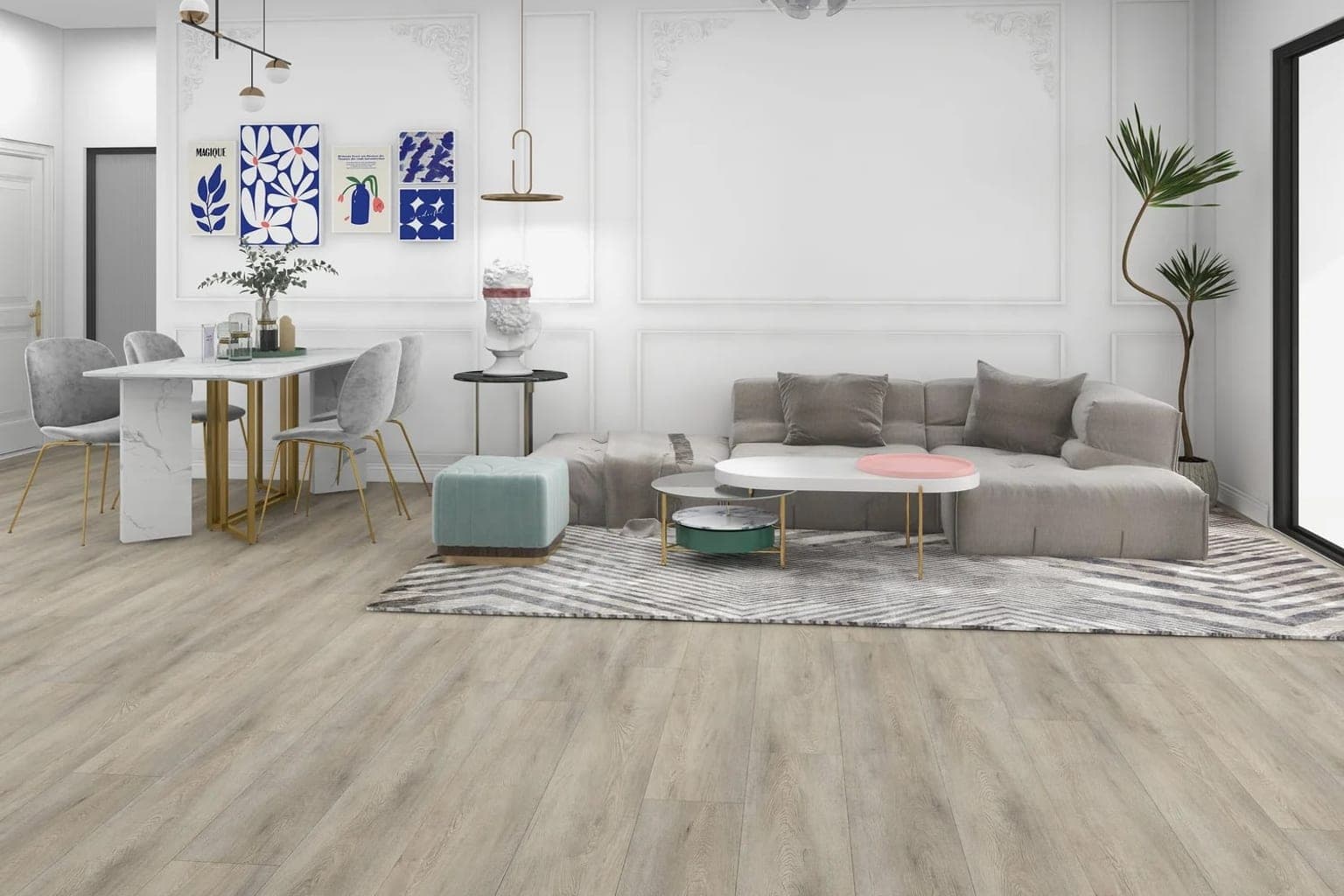
Your room, not a showroom
A catalog photo shows the product in someone else's perfect room. The point of a room visualizer is the opposite: the sofa that is already there, the window that faces the wrong way, the light at four in the afternoon.
Upload a photo of the room and see a different floor in it, with your own furniture, your own light, and the same camera angle. No app, no account, no appointment.
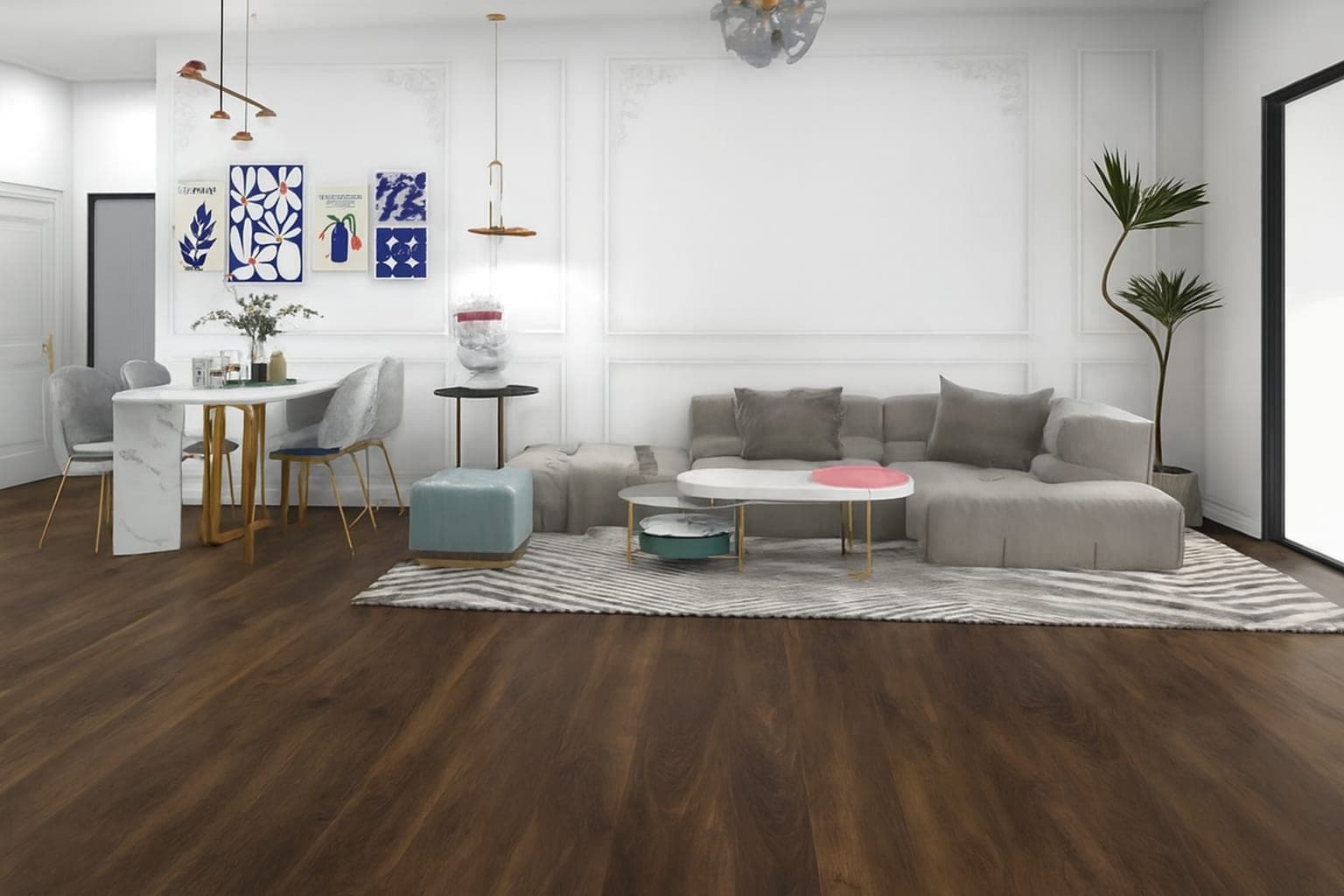 As photographedInstalled
A catalog photo shows the product in someone else's perfect room. The point of a room visualizer is the opposite: the sofa that is already there, the window that faces the wrong way, the light at four in the afternoon.
Every result comes with a Before & After comparison. Sliding between the two is what makes people notice that only the floor changed — and that is when they trust the image.
Changing your mind costs nothing here. Customers run the same room against several products and compare the results, which is a decision they could never make standing in a store holding a sample.
Let customers visualize hardwood, vinyl, laminate, and other flooring products in their own rooms with AI-powered product visualization.
Help customers see how tile and porcelain products look in their kitchens, bathrooms, and other spaces with AI-powered visualization.
Create an interactive virtual showroom where customers can explore your products and visualize them in their own spaces.
Turn your product catalog into an interactive visual experience with AI-powered product visualization.
Free while you build and test. The $80 implementation charge applies when you publish and includes your first 30 days.